- AI Agents
- Google Agent
Google Agent
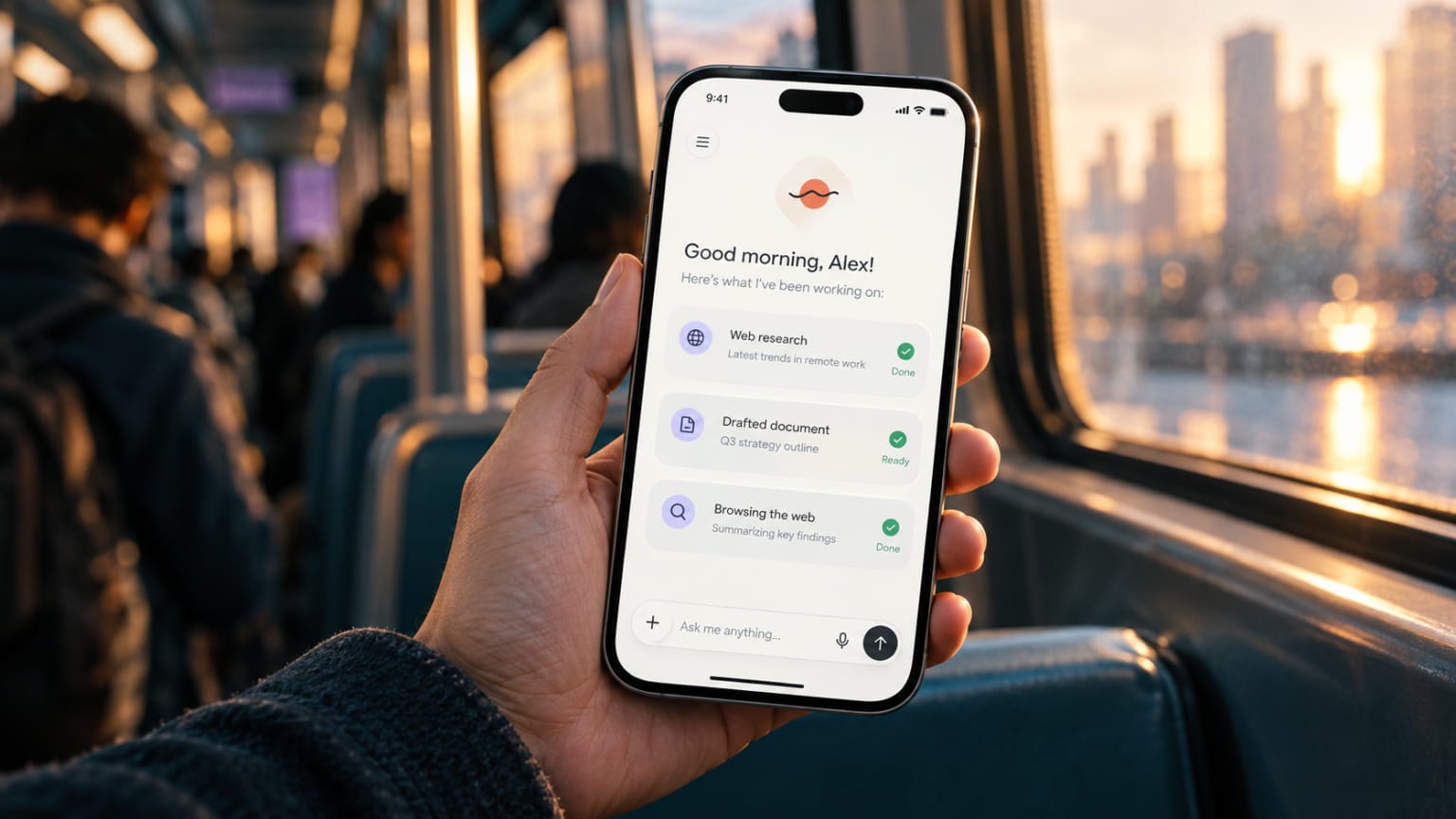
The user agent Google assigns to AI agents that browse websites and take actions on a user’s behalf.
- Agentic AI
- AI Agents
- Google Agent
What is Google Agent?
Google-Agent is the identity Google uses for AI agents hosted on Google infrastructure that navigate the web and perform actions at a user’s request. Google classifies it as a user-triggered fetcher, the same category it uses for fetchers that retrieve content when a person asks a Google product to do something. Project Mariner, Google’s experimental agentic browsing tool, is the example Google names in its documentation. The definition is written at the infrastructure level, so additional Google agent products can surface under the same identity.
Google-Agent declares itself openly. Its User-Agent header carries a Google-Agent token, its requests originate from a dedicated published IP range, and a subset of its requests are signed with HTTP Message Signatures under Google’s experimental Web Bot Auth implementation.
Critical Consideration
Google-Agent generally ignores robots.txt. Google’s position is that a fetch requested by a user falls outside robots.txt rules. Any access policy for this agent should be enforced at the CDN, WAF, or bot management layer.
Characteristics
Self-identifies in the User-Agent header
Operates from a dedicated published IP range (user-triggered-agents.json)
Partially cryptographically verifiable: Google signs a subset of requests through an experimental Web Bot Auth implementation
Generally ignores robots.txt
Capable of state-changing actions, including search, filtering, add-to-cart, booking, and form submission
Executes multi-step flows across pages and backend endpoints (XHR, GraphQL, api.* subdomains)
Shares an egress IP pool across many users, so one IP can carry many unrelated agent sessions
Technical Details
Developer:
Google
Type:
User-triggered autonomous agent
Trust Level:
High
Authentication:
Published IP ranges; HTTP Message Signatures (RFC 9421) via Web Bot Auth, experimental, applied to a subset of requests
Public Key Directory:
https://agent.bot.goog/.well-known/http-message-signatures-directory
IP Ranges:
https://developers.google.com/static/crawling/ipranges/user-triggered-agents.json
Robots.txt Compliance:
Mixed
User agent Token:
Google-Agent

Google Agent User agent strings
Desktop:
Mozilla/5.0 (X11; Linux x86_64) AppleWebKit/537.36 (KHTML, like Gecko; compatible; Google-Agent; +https://developers.google.com/crawling/docs/crawlers-fetchers/google-agent) Chrome/W.X.Y.Z Safari/537.36
Mobile:
Mozilla/5.0 (Linux; Android 6.0.1; Nexus 5X Build/MMB29P) AppleWebKit/537.36 (KHTML, like Gecko) Chrome/W.X.Y.Z Mobile Safari/537.36 (compatible; Google-Agent; +https://developers.google.com/crawling/docs/crawlers-fetchers/google-agent)
*W.X.Y.Z is a placeholder for the Chrome version.
Why Is Google Agent On My Website?
Google-Agent visits a site because a person asked a Google-hosted agent to complete a task that involves it. Typical requests include researching a product, comparing prices across retailers, checking availability, or completing a booking. Every visit traces back to a human request. The navigation, clicks, and form entries that follow are automated.
Common use cases:
- Research and comparison: reading product pages, reviews, specifications, and pricing across multiple sites
- Agentic commerce: searching a catalog, applying filters, adding items to a cart, and moving toward checkout
- Bookings and reservations: checking availability and completing reservation flows
- Form completion: filling in search, contact, quote, and application forms
- Multi-step workflows: tasks that chain several pages and backend API calls in one session
Key Security Considerations for Google Agent
Google-Agent combines verifiable identity with real user intent, which makes it easier to govern than unidentified automation. It also carries specific risks, several of which come from the allowlisting posture Google asks site owners to adopt.
robots.txt Provides No Control
Site owners who rely on robots.txt to keep automated clients out of specific paths have no coverage for Google-Agent. Disallow rules for checkout, account, or search paths do not apply to it.
Spoofed Identity
The Google-Agent token is a string in a request header. Organizations that allowlist on User-Agent alone, especially with the rule priority Google recommends, give attackers a high-priority path past bot defenses and CAPTCHA. Verification has to confirm the source IP against user-triggered-agents.json and validate the signature when one is present.
Incomplete Signature Coverage
Google may not sign all Google-Agent requests, and describes its Web Bot Auth implementation as experimental because the underlying IETF draft may change. Unsigned requests must fall back to IP-based verification. Google itself recommends continuing to use IP addresses, reverse DNS, and User-Agent strings alongside signatures.
Unintended Actions
The agent can search, add to cart, book, and submit forms. Misread instructions, ambiguous page layouts, or errors in the agent’s reasoning risk actions the user did not intend.
Prompt Injection and Compromised Behavior
Google-Agent reads page content to decide what to do next. Instructions hidden in reviews, listings, or user-generated content on any site in the session may redirect its behavior.
How to Detect Google Agent
Identity Verification
Google’s documentation lays out a layered check for providers that do not verify Google-Agent automatically:
- Confirm the User-Agent header contains Google-Agent.
- Confirm the source IP falls within a range listed in user-triggered-agents.json.
- If the request includes Signature-Agent: g=”https://agent.bot.goog”, validate the Signature and Signature-Input headers labeled g per the Web Bot Auth protocol and RFC 9421.
- Treat requests that pass as verified Google-Agent traffic.
Operational notes from Google’s documentation:
- Key management: Cache the public keys according to the directory’s Cache-Control header, and delete cached keys that no longer appear in the directory, since they may be expired or revoked.
- Signature timing: For latency-sensitive traffic, a site can respond first and validate the signature within its expiry window, then enforce on the caller’s subsequent requests. The signature expiry window and the key cache lifetime are independent and should be validated separately.
- IP list sync: IP-based rules must track updates to user-triggered-agents.json.
- Header preservation: Load balancers and proxies must pass through the original client IP, the User-Agent, and the Signature, Signature-Input, and Signature-Agent headers.
- Reverse DNS: Google publishes reverse DNS masks for user-triggered fetchers in general but does not assign one specifically to Google-Agent. The published IP list is the authoritative network check.
Behavioral Context and Session Analysis
Verified identity establishes where a request came from. Behavioral analysis establishes what the session is doing. Navigation patterns, timing, action sequences, and request volume per session reveal whether a verified Google-Agent session is completing a normal task or probing, scraping, or abusing a flow. Behavioral signals also expose clients that claim the Google-Agent token but fail IP or signature verification.
Should I Block Google-Agent?
For most commercial sites, blanket blocking costs more than it protects. Google-Agent sessions represent real user demand, and the agent will route around sites it cannot complete. The better posture is adaptive governance: verify identity rigorously, then decide what each verified session is allowed to do.
Identity-First Allowlisting
Allow Google-Agent only after verifying IP range and, where present, signature. Never allowlist on the User-Agent string. Scope the allow rule to the paths and actions the business wants agents to perform.
Behavioral Visibility
Monitor what verified Google-Agent sessions do after they arrive: which pages, which actions, how fast, and how often. Identity verification does not substitute for session-level visibility.
Control
Keep the ability to step in on individual sessions that deviate from expected behavior, even when the agent is verified.
Allowlisting Google-Agent with HUMAN
HUMAN Sightline
- In HUMAN Sightline -> open Product Settings -> Security Policy
- Under Policy Rules, open Known Bots & Crawlers
- Search for Google-Agent in the list
- Select its policy to Allow and save changes
HUMAN AgenticTrust
- In HUMAN Sightline, open Policies -> AI Agents Permissions
- Select the application and search for Google-Agent
- Review the starred defaults and adjust individual permissions
- Save Changes
Build Trust in the Agentic Era
AI agents are already reshaping how users browse and buy. With AgenticTrust, you see every agentic session, govern what each agent can do, and protect critical flows without blocking legitimate user intent.
See. Govern. Grow.
Ready to manage Google Agent on your terms? Request a demo to learn how AgenticTrust turns agent activity into trusted engagement.
Your Guide to Safely Adopting Agentic Commerce
See how AI agents are changing discovery and purchase, explore the emerging trust frameworks, and learn what readiness looks like for the agent-driven economy.